Character Settings#
Character Set#
Input Character Set#
To configure the character set used by the Barcode Data, scan the “Input Character Set” Parameter Barcode.
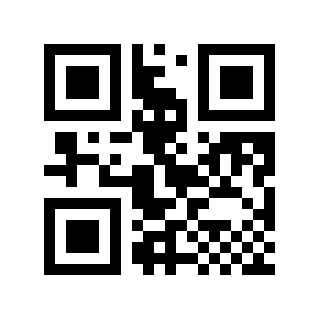
* Automatic# |
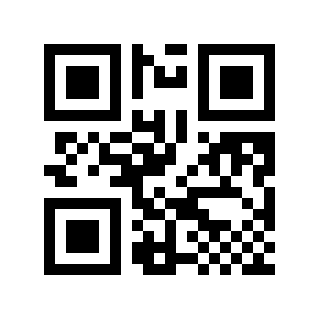
GBK# |
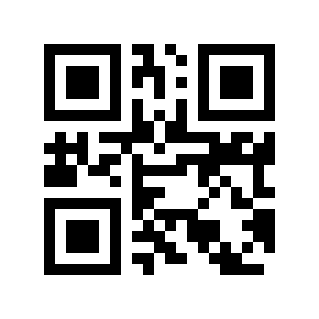
UTF-8# |
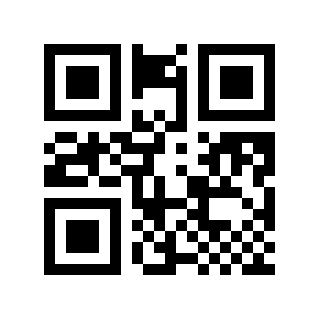
ASCII# |
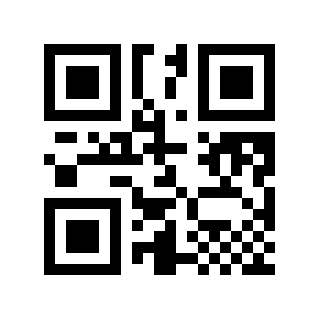
Shift-JISJapanese# |
Output Character Set#
In order to meet the needs of the host character set, you can set it by reading the “output character set”.
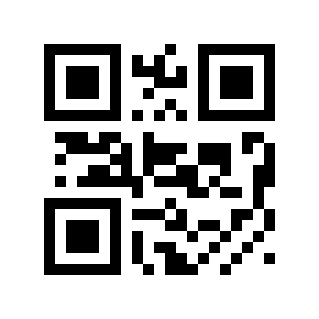
*original Format# |
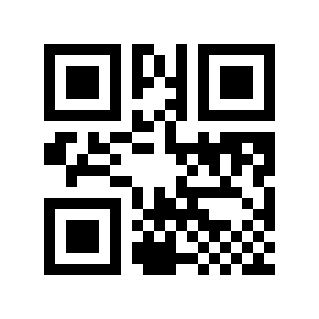
GBK# |
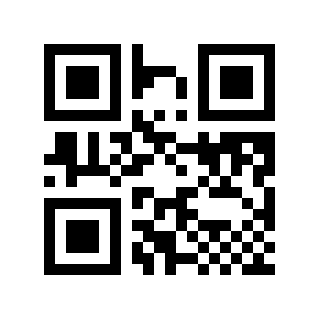
UTF-8# |