Data Editing#
Prefix and Suffix Settings#
Prefix#
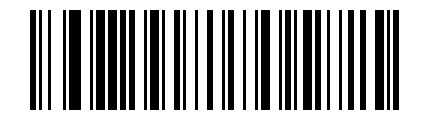
* Do Not Use Prefix#
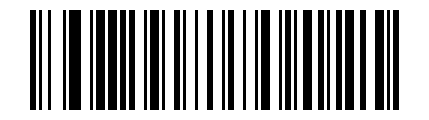
Set Prefix to STX#
Terminator#
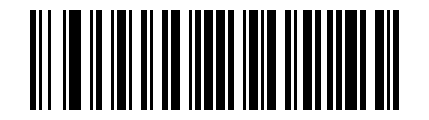
Do Not Use terminator#
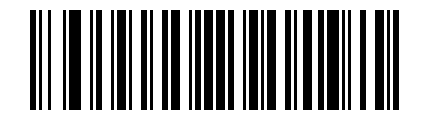
Set terminator to Carriage Return#
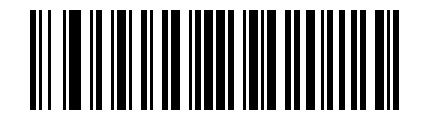
Set terminator to Line Feed#
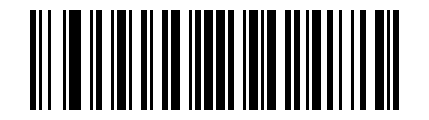
* Set Suffix to Carriage Return + Line Feed#
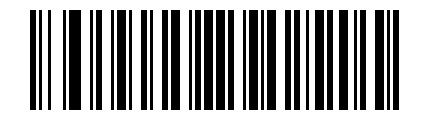
Set terminator to Tab#
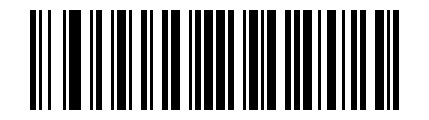
Set terminator to ETX#
Custom Prefix#
Output Options#
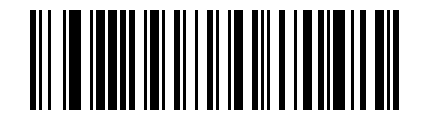
Enable Custom Prefix Output#
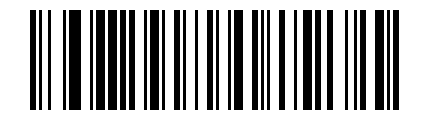
* Disable Custom Prefix Output#
Edit#
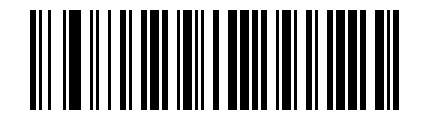
Clear All Custom Prefixes#
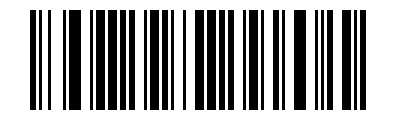
Custom Prefix#
See also
After scanning this Parameter Barcode, refer to Barcode Type ID Table and Data and Editing Barcodes to complete the remaining input.
Custom Suffix#
Output Options#
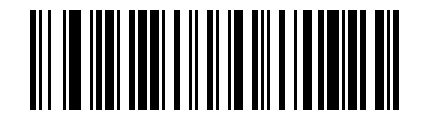
Enable Custom Suffix Output#
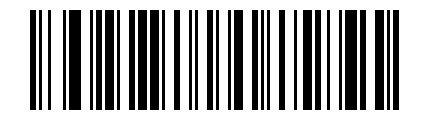
* Disable Custom Suffix Output#
Edit#
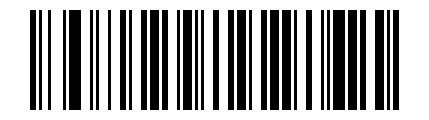
Clear All Custom Suffixes#
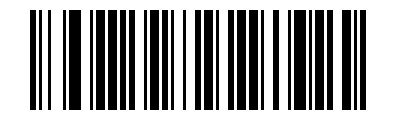
Custom Suffix#
See also
After scanning this Parameter Barcode, refer to Barcode Type ID Table and Data and Editing Barcodes to complete the remaining input.
Code ID#
Output Options#
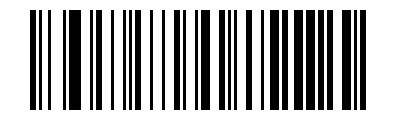
* Disable Code ID#
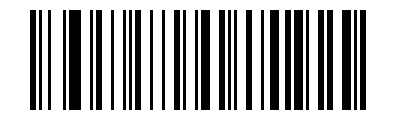
Enable Code ID Before Barcode Data#
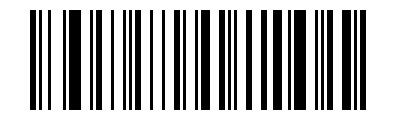
Enable Code ID After Barcode Data#
Edit#
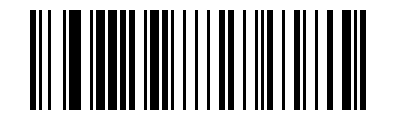
Custom Code ID#
See also
After scanning this Parameter Barcode, refer to Barcode Type ID Table and Data and Editing Barcodes to complete the remaining input.
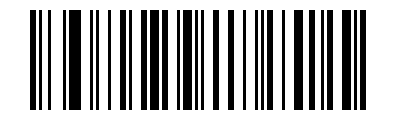
Clear All Custom Code IDs#
AIM ID#
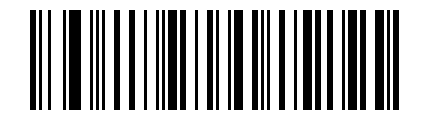
* Disable AIM ID#
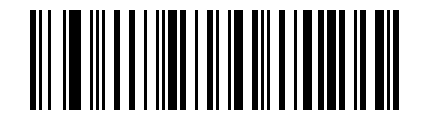
Enable AIM ID Before Barcode Data#
Enable AIM ID After Barcode Data#
Barcode Prefix/Suffix Order Selection#
Prefix#
* Start Character + Code ID + AIM ID + Custom Prefix#
Start Character + Custom Prefix + Code ID + AIM ID#
Suffix#
* Custom Suffix + Code ID + AIM ID + Terminator#
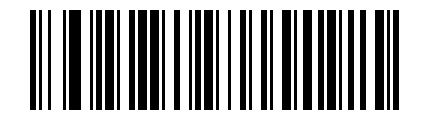
Code ID + AIM ID + Custom Suffix + Terminator#
Data Editing Field Settings#
The data editing function can divide the complete Data field of the barcode content into the Start, Center, and End fields by configuring the Start/End field lengths. Configure the Start/End field lengths and transmission options as needed.
Note
Custom prefixes and suffixes, start characters, terminators, Code ID, AIM ID, and other content outside the barcode data itself are not affected by the data editing function.
Transmission Settings#
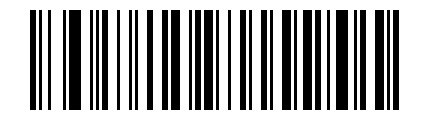
* Transmit Complete Data Field#
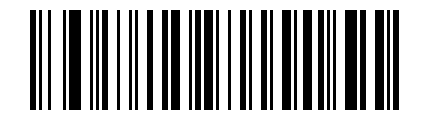
Transmit Start Field Only#
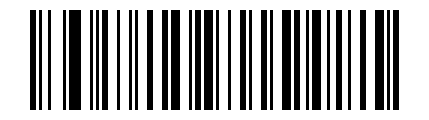
Transmit Center Field Only#
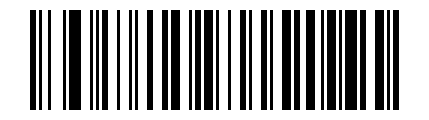
Transmit End Field Only#
Field Length Settings#
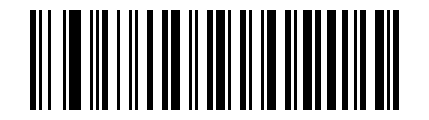
Set Start Field Length#
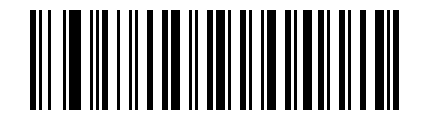
Set End Field Length#
Note
Field lengths are configured in bytes using decimal values.
Example
Set the Start field length to 10 bytes:
Scan the “Set Start Field Length” Parameter Barcode.
Scan
1and0in Data and Editing Barcodes in sequence.Scan the “Save” Parameter Barcode.